
Rise is a multi-device-friendly eLearning authoring tool. This platform is primarily used for self-directed learning.
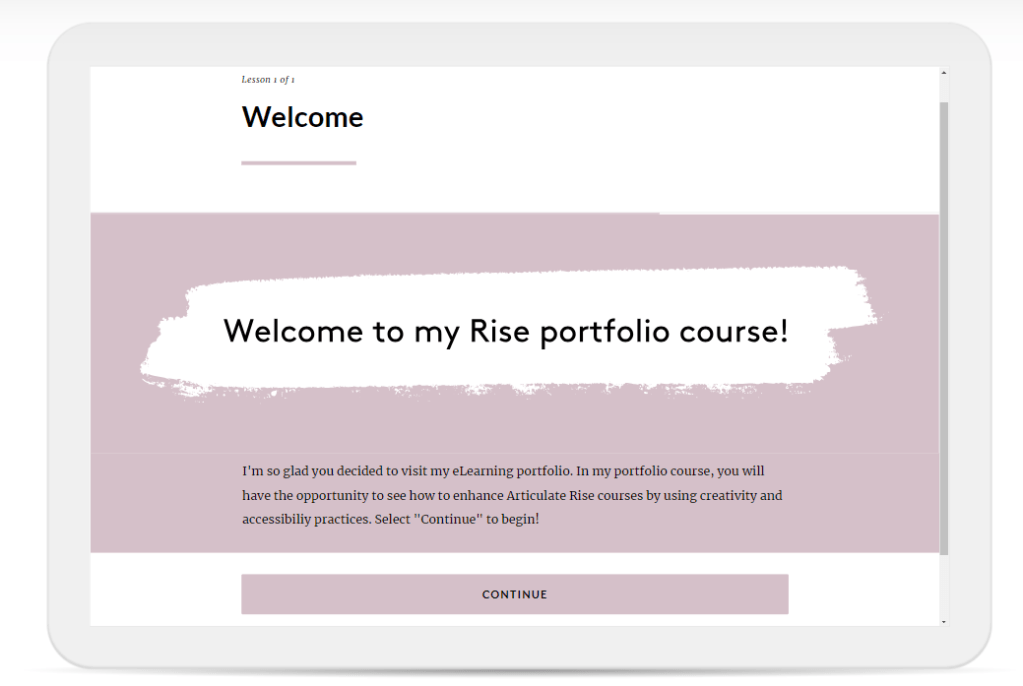
Getting started with Rise.
As I develop eLearning courses, I use elements of graphic design, engaging interactions and storytelling tactics. I create courses backed by adult learning theory to assist in learning retention.
Accessibility in mind
When creating courses, job aids, powerpoints, or any other learning element accessibility should be at it’s foundation.
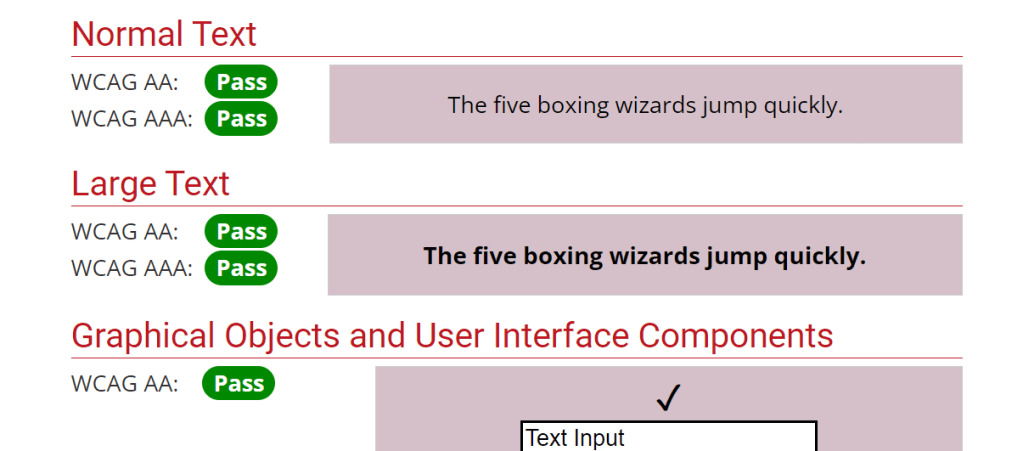
Whether you’re working with brand colors or experimenting with a new color palette, ensuring the colors you use are accessible is essential.
I use a contrast checker to ensure the colors I use meet accessibility standards. See the passing results of the colors displayed on my webpage on the right side of the page.
Enhancing Rise’s built in features
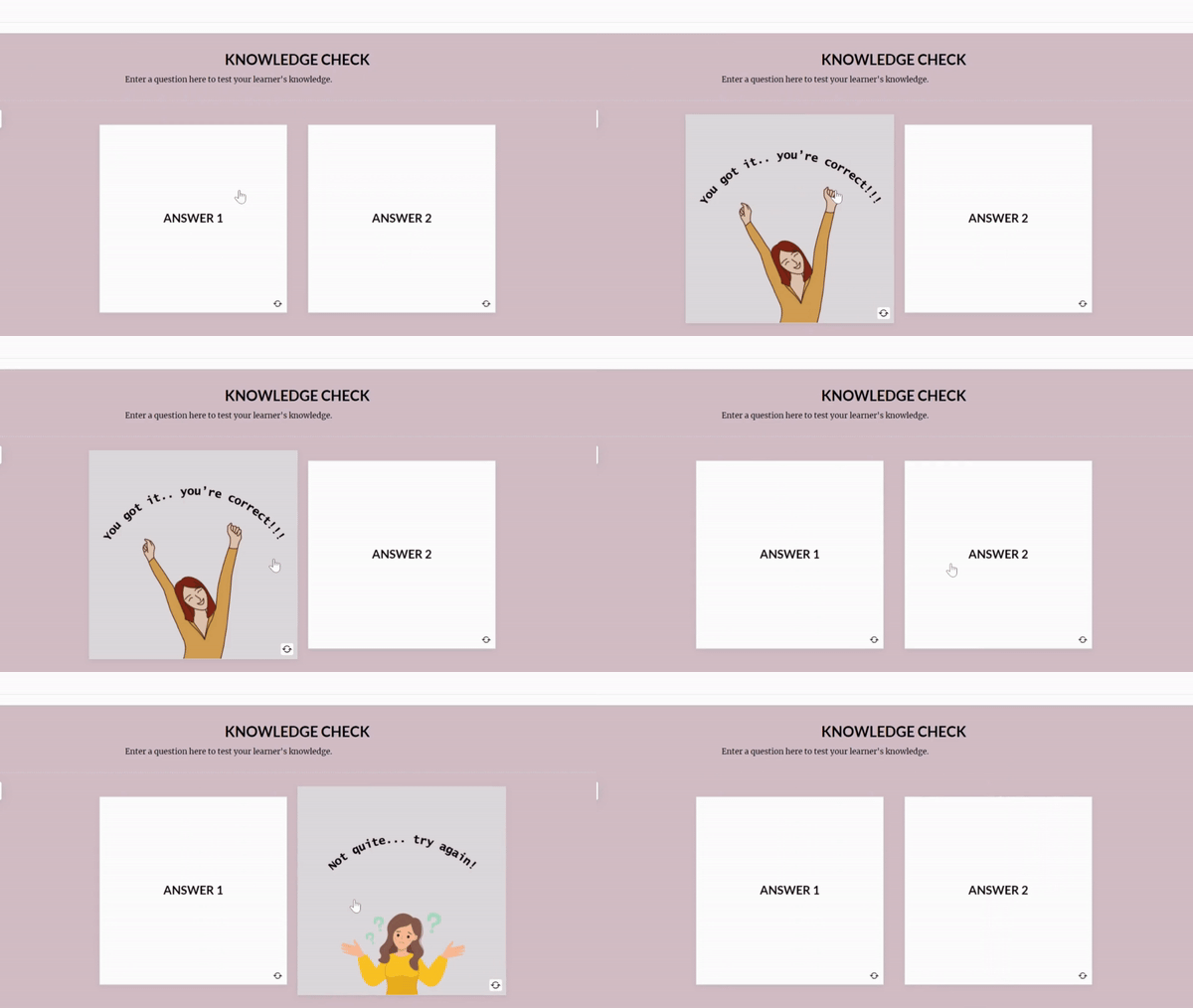
Rise has amazing features and as an Instructional Designer, it’s up to us to elevate these courses to enhance the learner’s experience.
To your right, you will see a flashcard feature used as a knowledge check with graphic design elements. This is a simple example as there is so much room to be creative as we work to meet course learning objectives!
Integrating Storyline interactions
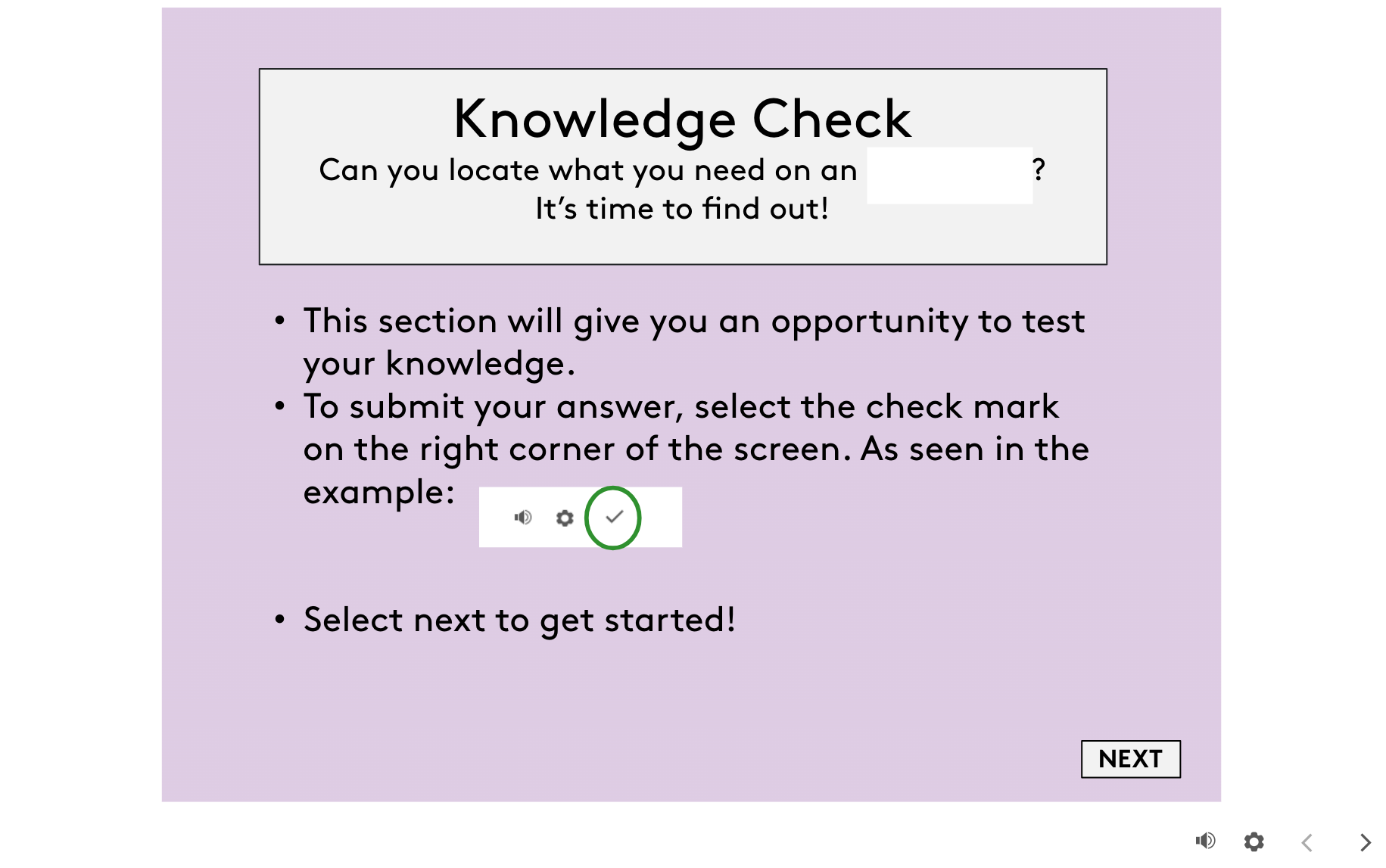
Our main goal is to ensure our learners meet our learning objectives. A great way to this supported by adult learning theory is knowledge checks.
To your right, you will see an example of a knowledge check added to a rise course. This knowledge check included multiple choice questions to test the learners knowledge.
 Samantha Sock's Portfolio